Our Discord bot gives you a simple way to reward your users and help keep them engaged.
Onboard with ease - Use our web interface to get started
Grow engagement - Incentivize your users to stay engaged with micro-transactions
Familiar Discord interface - Interact using slash commands, buttons, and user/message context menus
Discord Bot Features Include
Send Tips
Tip users with the token of your choice without needing to ask for their wallet.
Powered By
Reaction Rewards
Reward message reactions with micro-transactions of SOL or the token of your choice.
Hub Message
Users can quickly check their linked wallets and available rewards without leaving your server.
Linked Roles
Assign roles to those who have linked their wallet(s).
Slash Commands
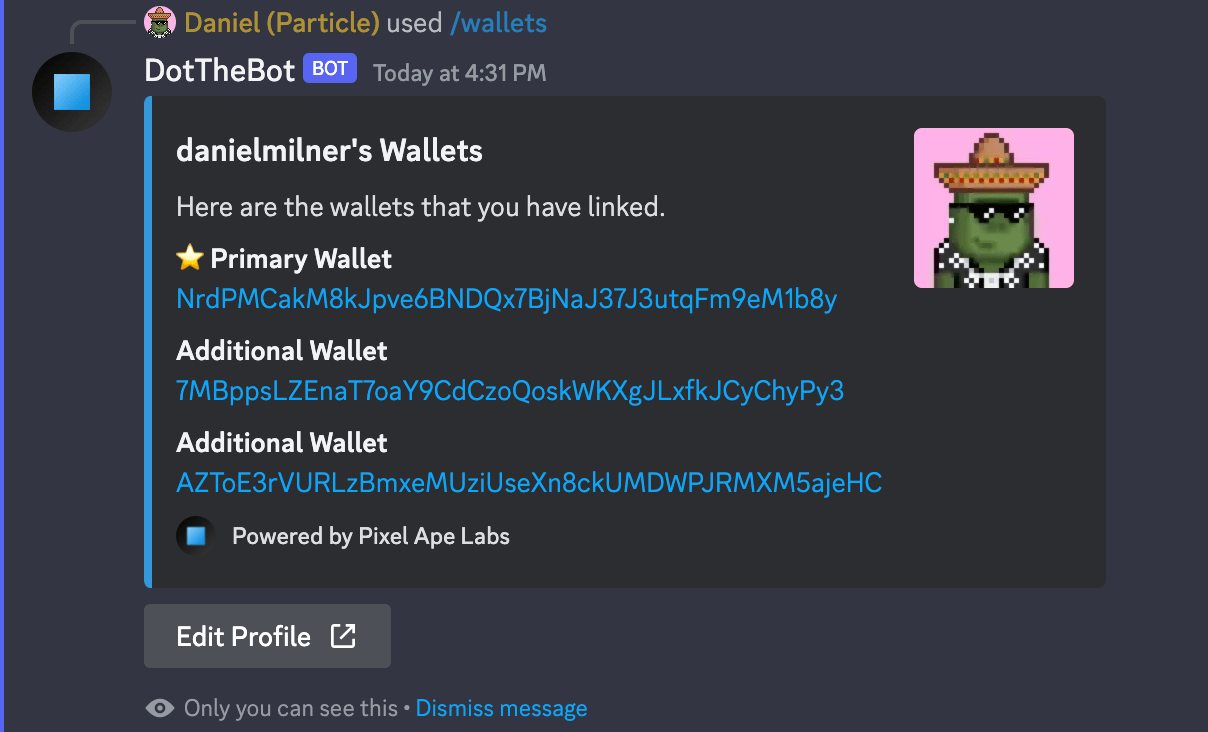
/wallets
Returns a list of wallets linked to your profile on Pixel Ape Labs.
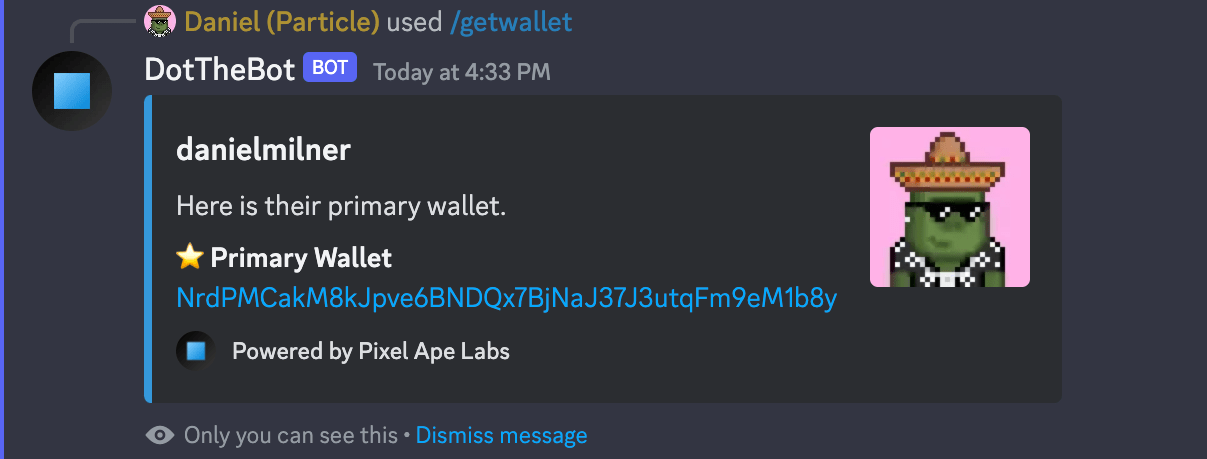
/getwallet returns the primary wallet of a member (use @ mention). Default: Guild Managers for /getwallet; Everyone for /wallets.
/wallets — list of linked wallets
/getwallet — primary wallet for a member
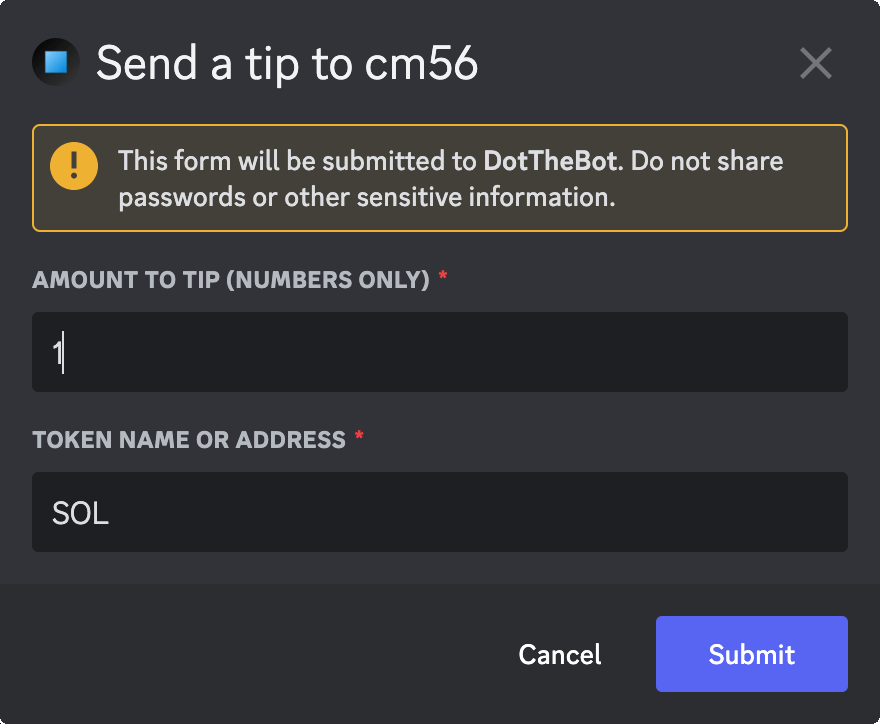
/tip @Member [amount] [token]
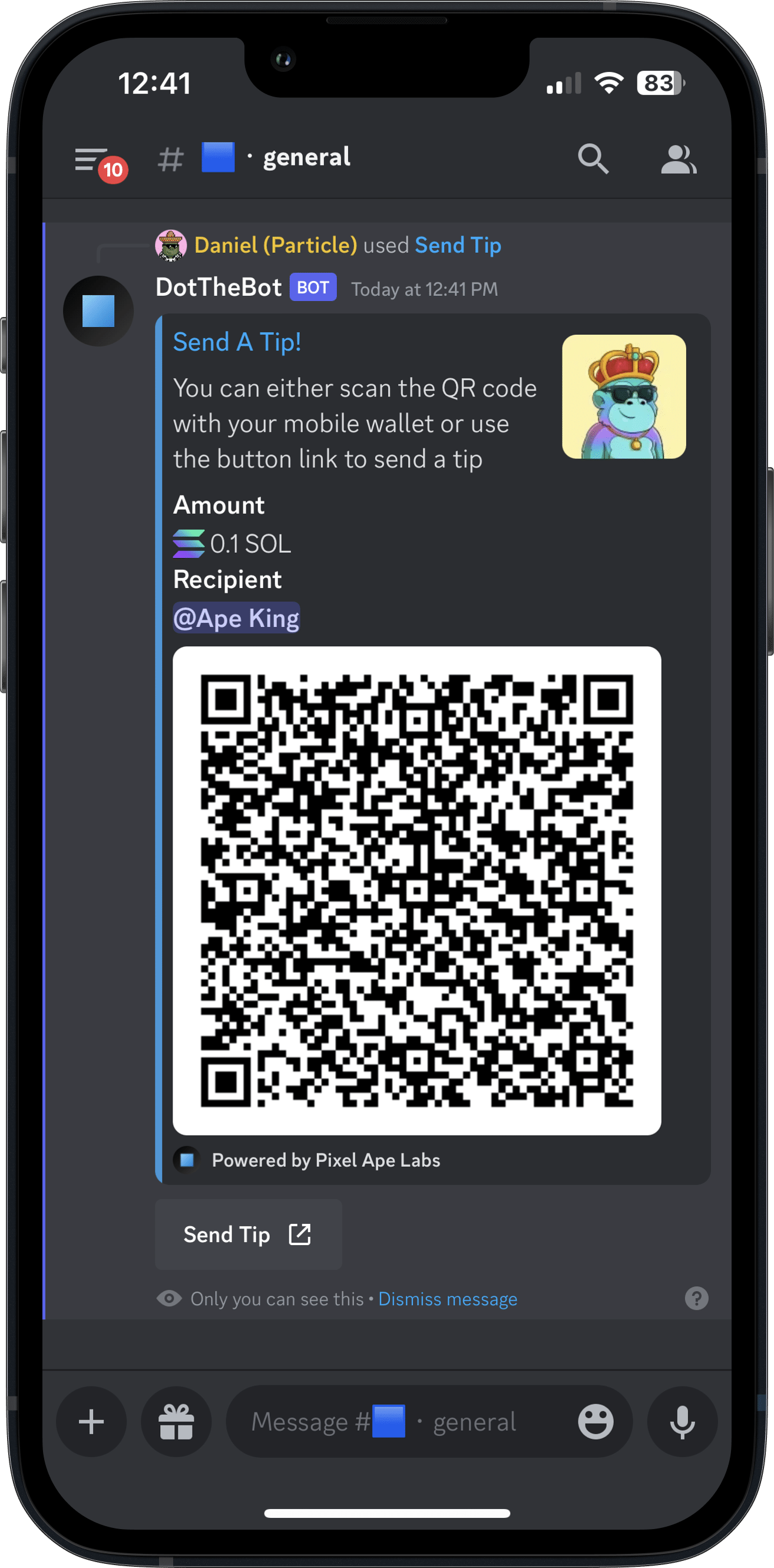
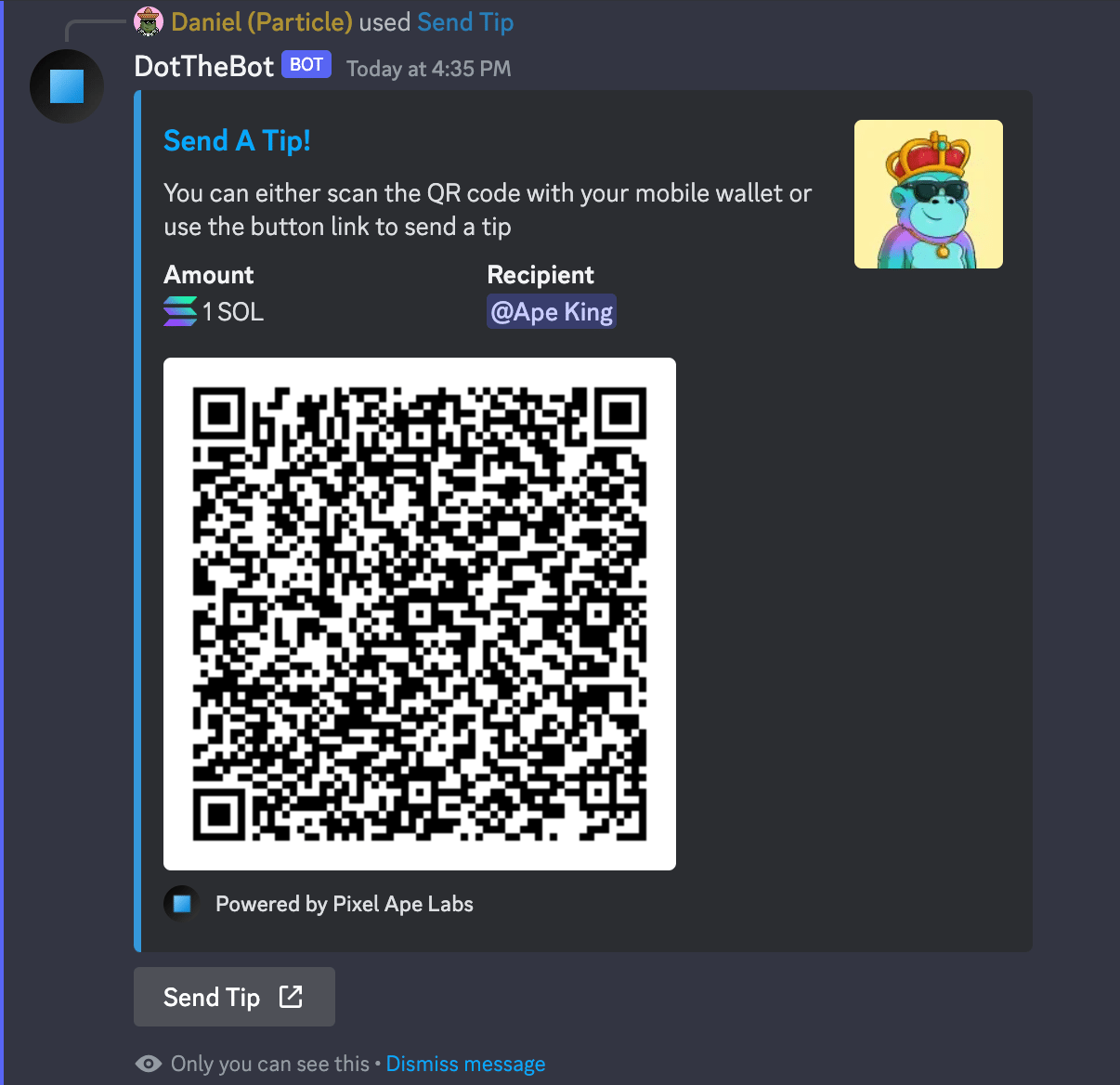
Send a tip without knowing the recipient's wallet. You get a QR code (mobile) and a link (mobile or desktop) to sign the transaction with your wallet.
Tip form — amount and token
Tip response — QR code and link
/rewards
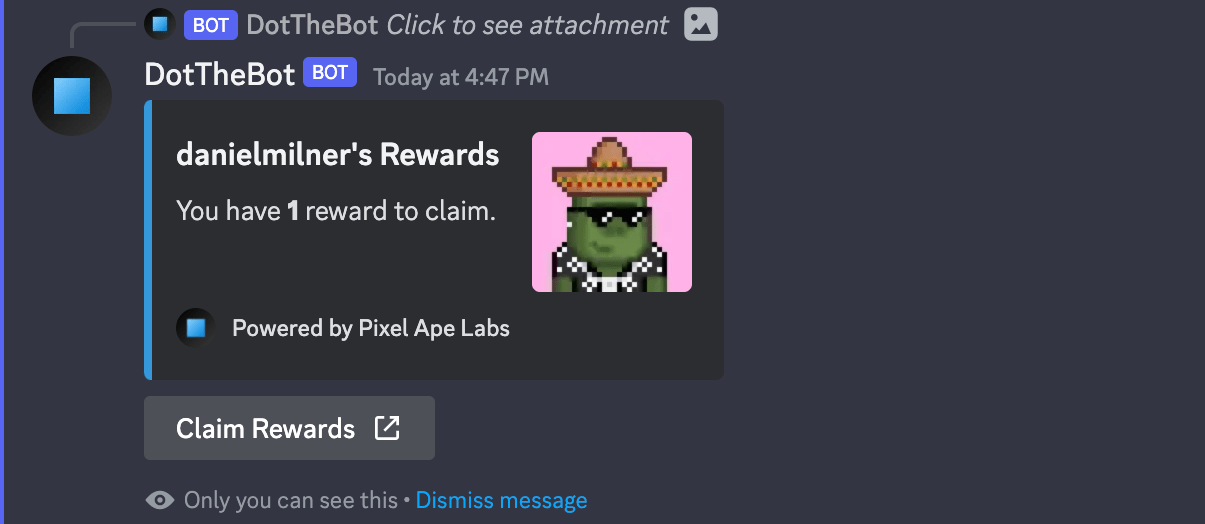
Shows active rewards that need to be claimed. If any exist, you'll get a link to claim them.
/rewards — pending rewards
After claiming — rewards distributed
Message Commands
Reward Reactions
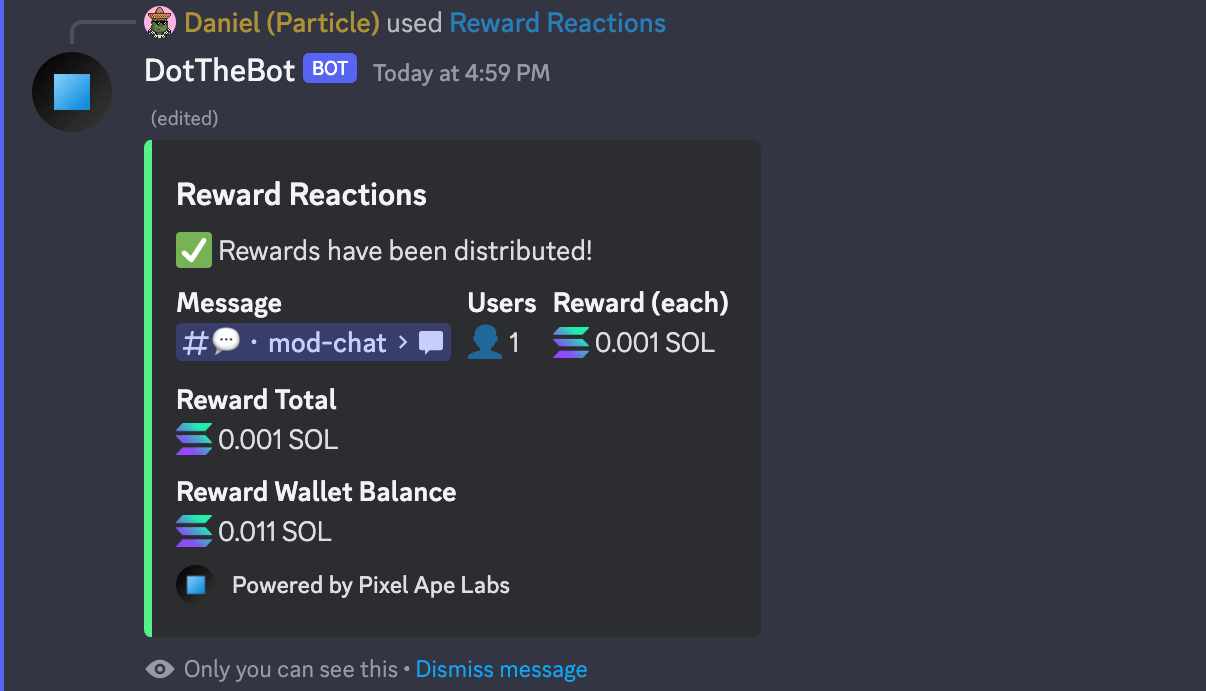
Right-click a message → Apps → Reward Reactions. A modal lets you specify amount and token to reward each person who reacted. Defaults can be set in server settings on Pixel Ape Labs.
Default: Administrators.
Modal — confirm reward amount
Message updated — rewards distributed
User Commands
Right-click a member → Apps to access:
Get Wallet
Returns the primary wallet of the member. Default: Guild Managers.
Get Wallet — primary wallet for selected member
Send Tip
Opens a form (amount, token) and returns a QR code and link to sign the tip. Same flow as /tip. Default: Everyone.